Model Customization
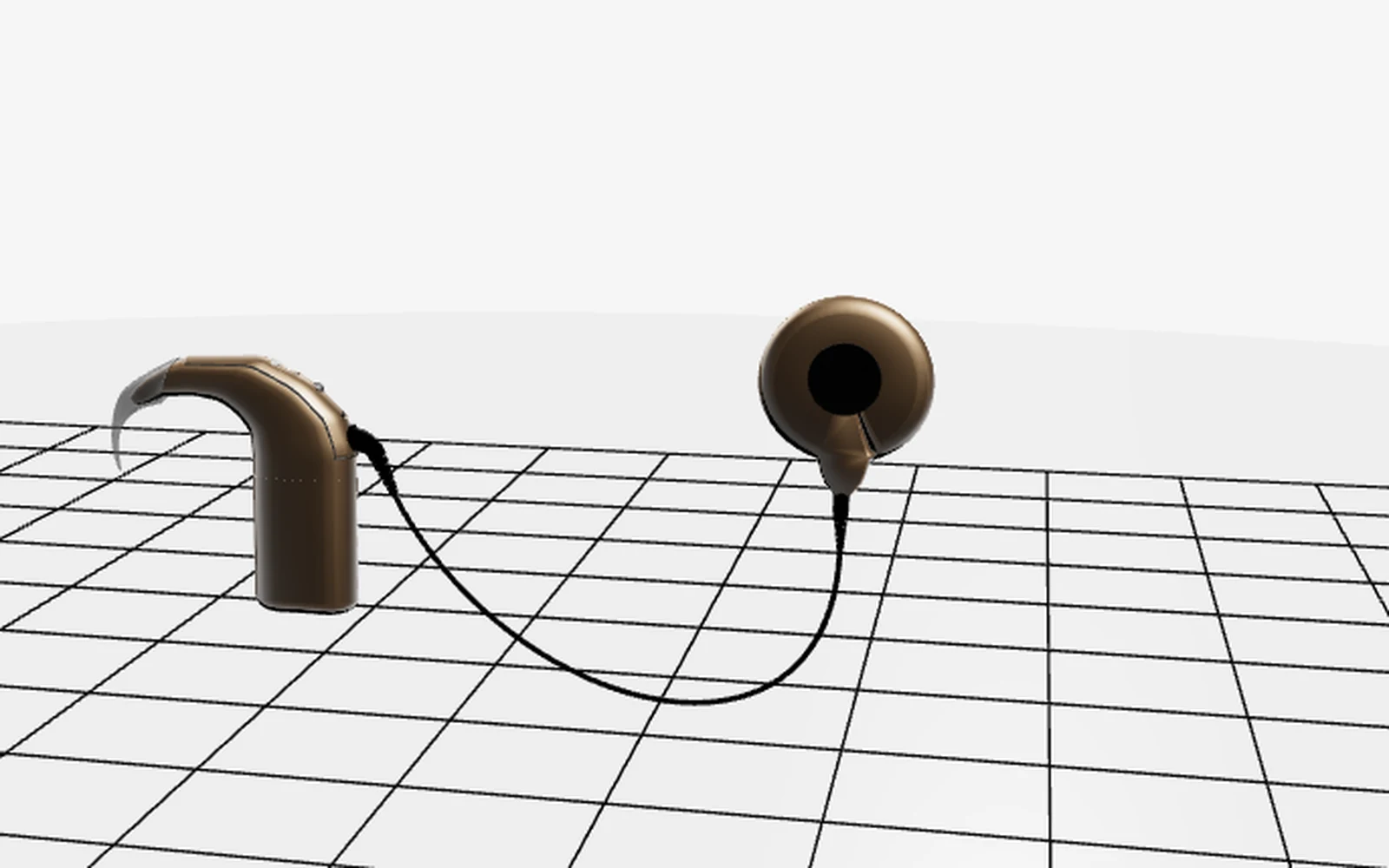
Device colors can switch between beige, black and brown while battery variants include long, short and disposable configurations matched to the selected device color.
Interactive 3D Healthcare Viewer
A product-style 3D viewer for exploring Cochlear Nucleus device models through customization, structured component navigation, contextual documentation and interactive visualization directly in the browser.
Independent educational 3D visualization project • Public GitHub repository
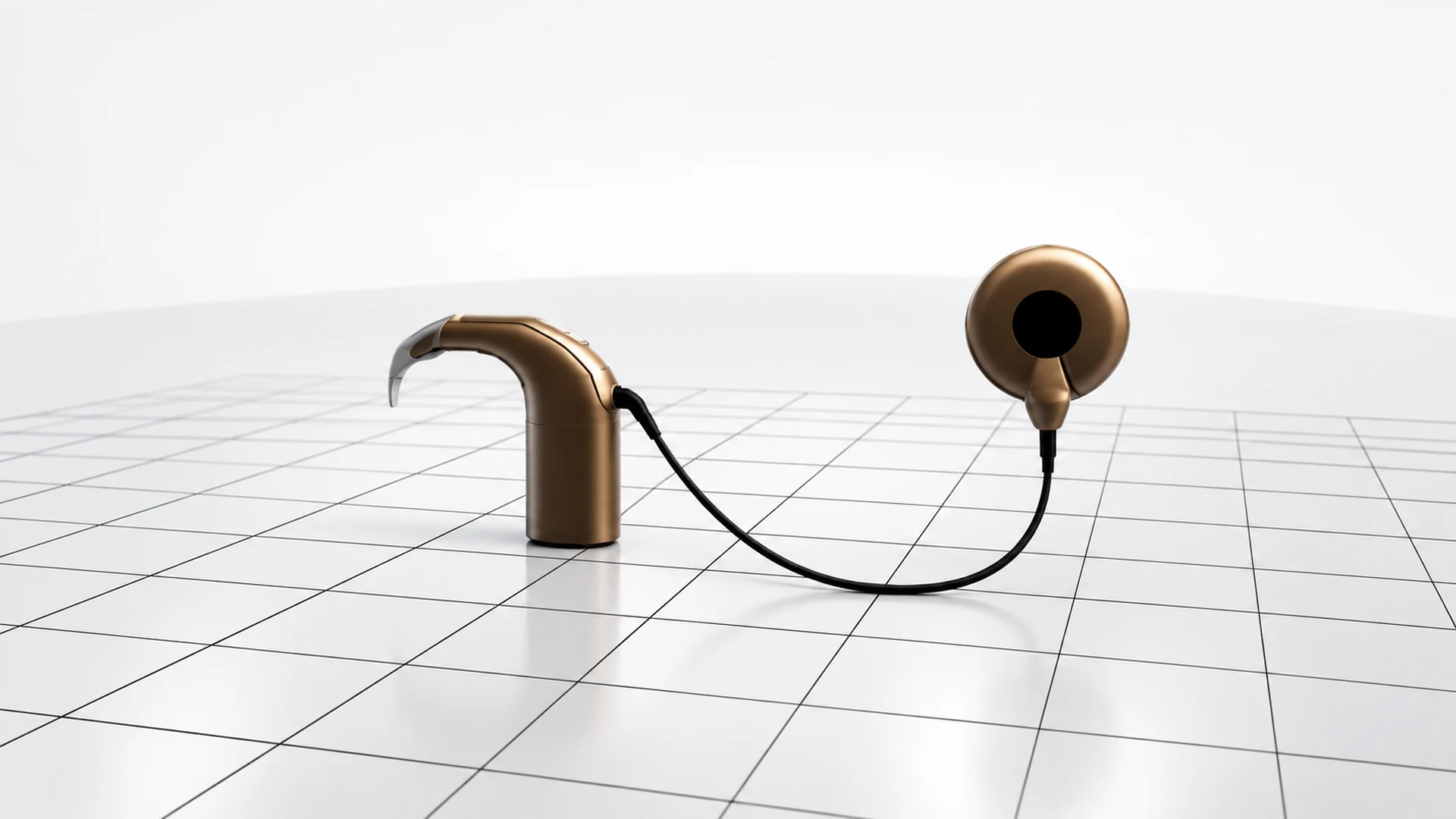
Overview
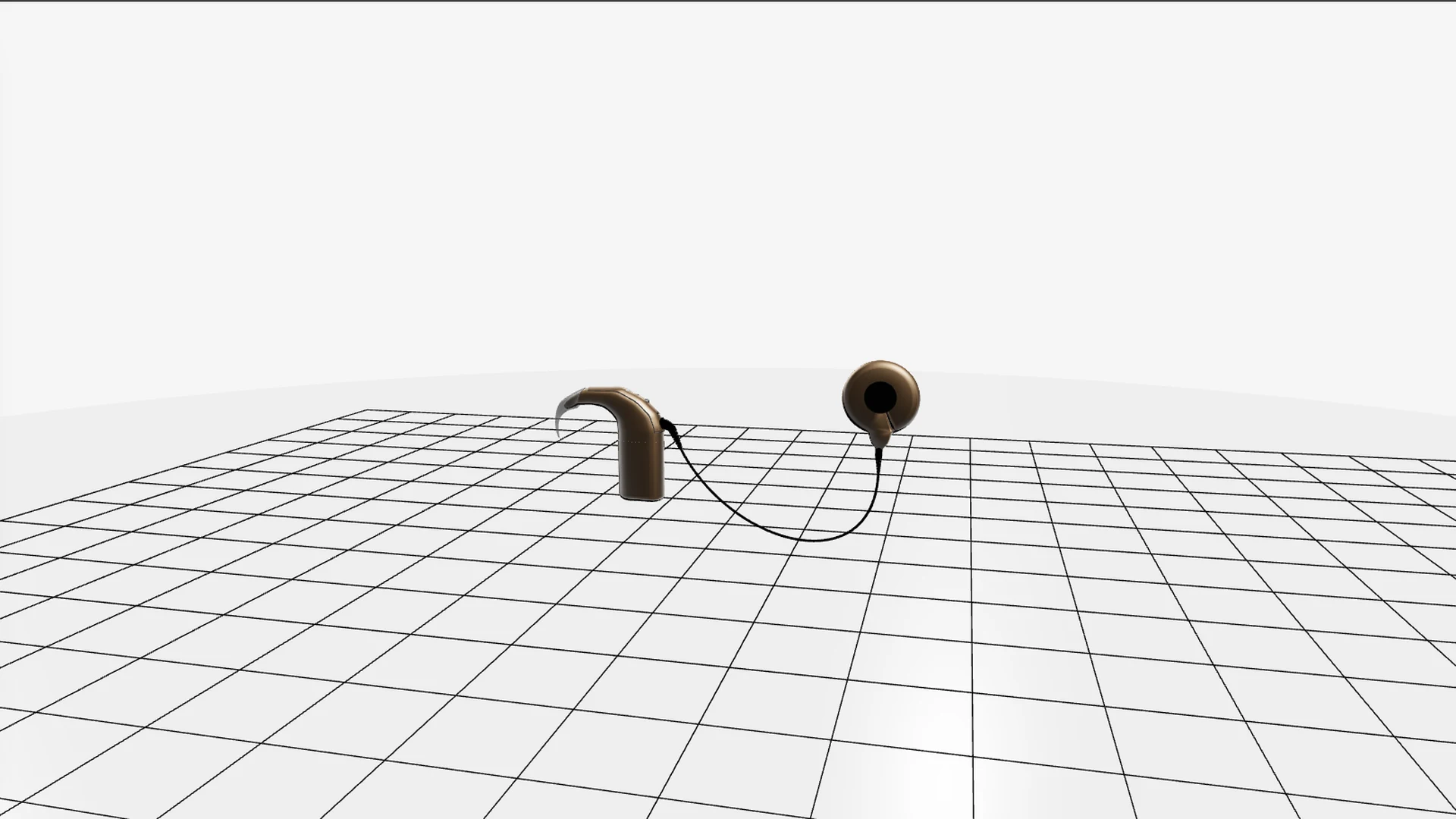
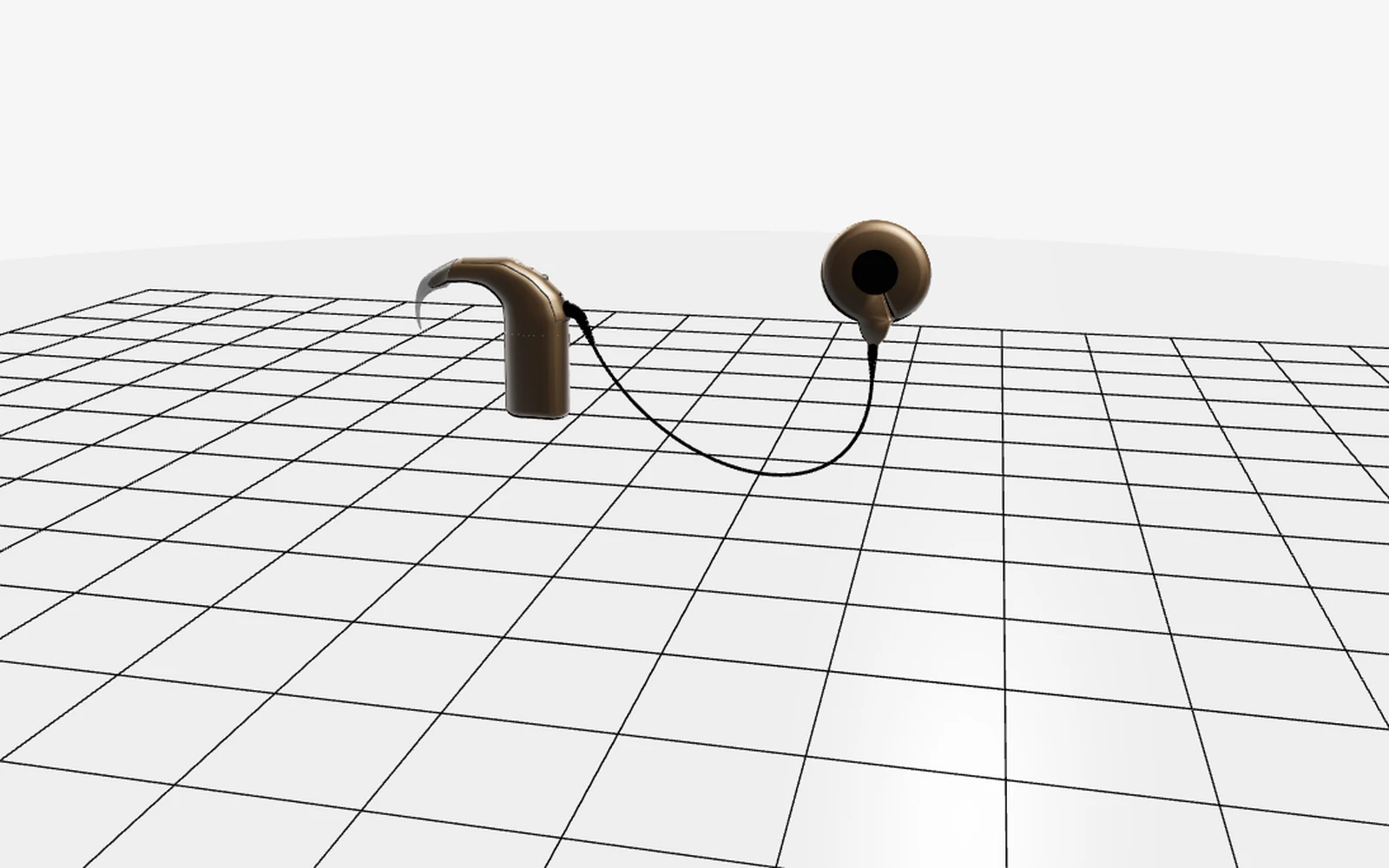
Nucleus is an interactive viewer for Cochlear Nucleus device models in GLB format. The application combines real-time Three.js rendering with product customization, a sidebar-based component hierarchy, camera focus tools, visibility controls, selection feedback, documentation links and an animated exploded view.
Features
Device colors can switch between beige, black and brown while battery variants include long, short and disposable configurations matched to the selected device color.
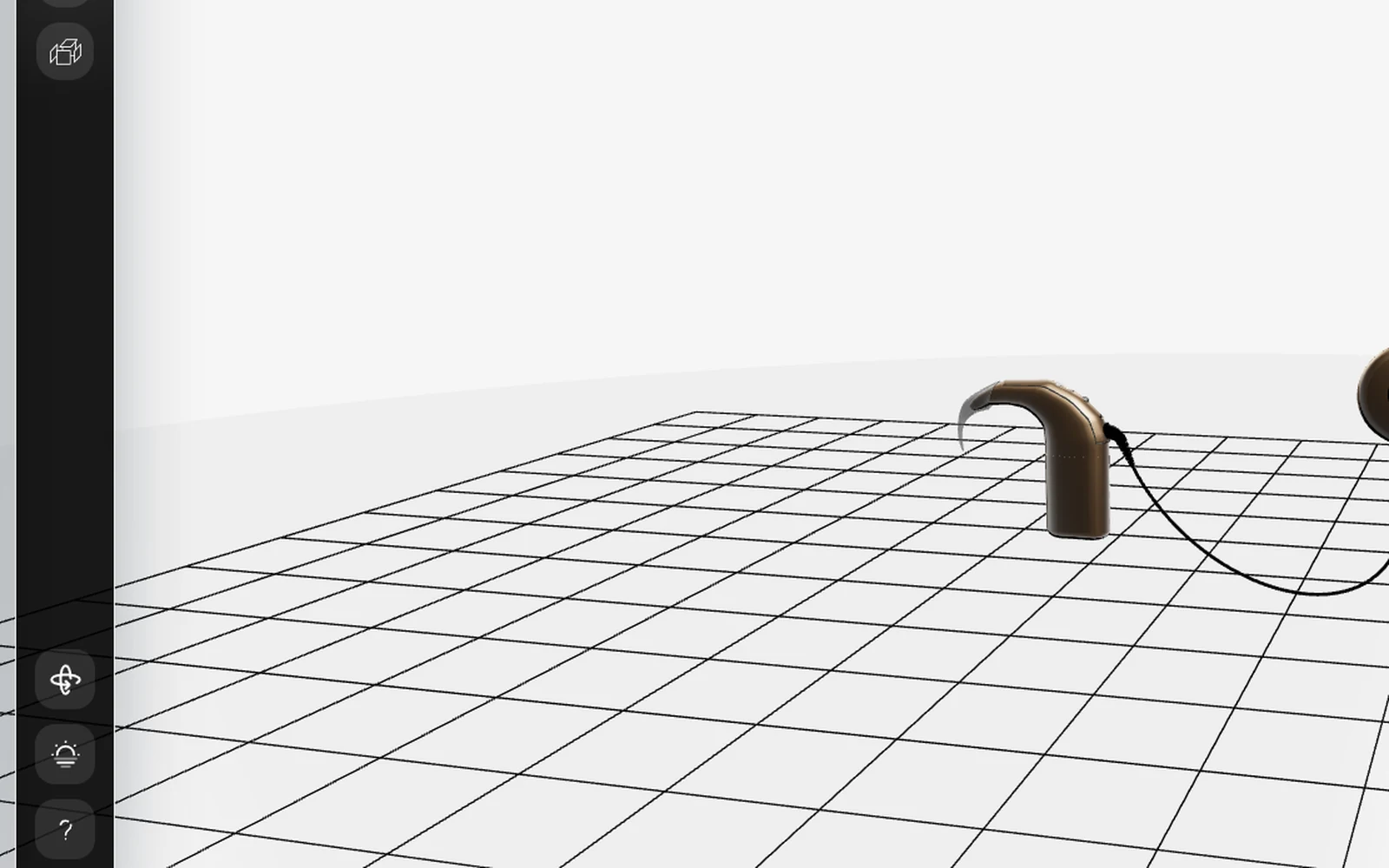
An expandable sidebar tree maps friendly component labels to the underlying 3D model, with click-to-focus behavior and per-part visibility controls.
Hover and persistent selection highlights provide visual feedback while selected components can trigger automatic camera focus and contextual interaction.
A bottom component modal can present titles, descriptions and links to schematics, manuals and maintenance documentation for the selected part.
Architecture
Scene creation, camera, renderer, controls and theme-aware environment behavior form the real-time 3D foundation of the application.
GLB assets are loaded as product variants while object lookup and material helpers support highlighting, selection and component-level interaction.
The tree and UI layers connect component labels, visibility state, dropdown controls, selection behavior and the bottom documentation panel.
Dedicated explode logic applies per-component movement rules, optional rotation, multi-phase transforms and animated reset back to the original model state.
Interface
Technology
FAQ
Nucleus is a product-style interactive viewer for exploring Cochlear Nucleus device models. It combines 3D visualization with structured component navigation, customization and contextual technical information.
The viewer supports beige, black and brown device colors together with long, short and disposable battery variants. Battery models automatically follow the selected device color.
Components can be reached through direct 3D interaction or the sidebar hierarchy. Hover feedback is temporary, while a selected part keeps its highlight until the modal closes or the scene is reset.
Explode mode separates model parts through configurable component rules. The system can use directional or vector movement, optional rotations, multi-phase motion and animated restoration to the original state.
The component modal can provide a title, short description and links to public PDF assets such as schematics, manuals and maintenance documentation.
The project includes touch-oriented raycasting and interaction behavior, including double-tap and long-press component selection together with touch-based orbit control.
Nucleus demonstrates modular TypeScript application architecture, Three.js scene management, GLB asset loading, component raycasting, camera control, model customization, animated transforms and responsive product-oriented UI engineering.
Independent Development
Nucleus was developed as an educational 3D visualization project focused on making a complex physical device easier to inspect through interactive product views, structured hierarchy and contextual documentation.
Structured the scene, camera, controls and model-loading layers as separate TypeScript modules instead of keeping viewer behavior inside one monolithic file.
Connected user-facing hierarchy labels and visibility controls to the underlying GLB object structure for predictable component-level navigation.
Isolated explode configuration from animation logic so individual components can use different transform rules without hard-coding all movement into the main viewer.
Extended the viewer beyond desktop pointer input with responsive UI behavior, touch raycasting and mobile-oriented selection gestures.